Tags
Updated February 24, 2026
Tags are a way to connect one node to another node. You can add tags to a node by typing [[. For example, this node is connected to nodes random and 2026-01-21.
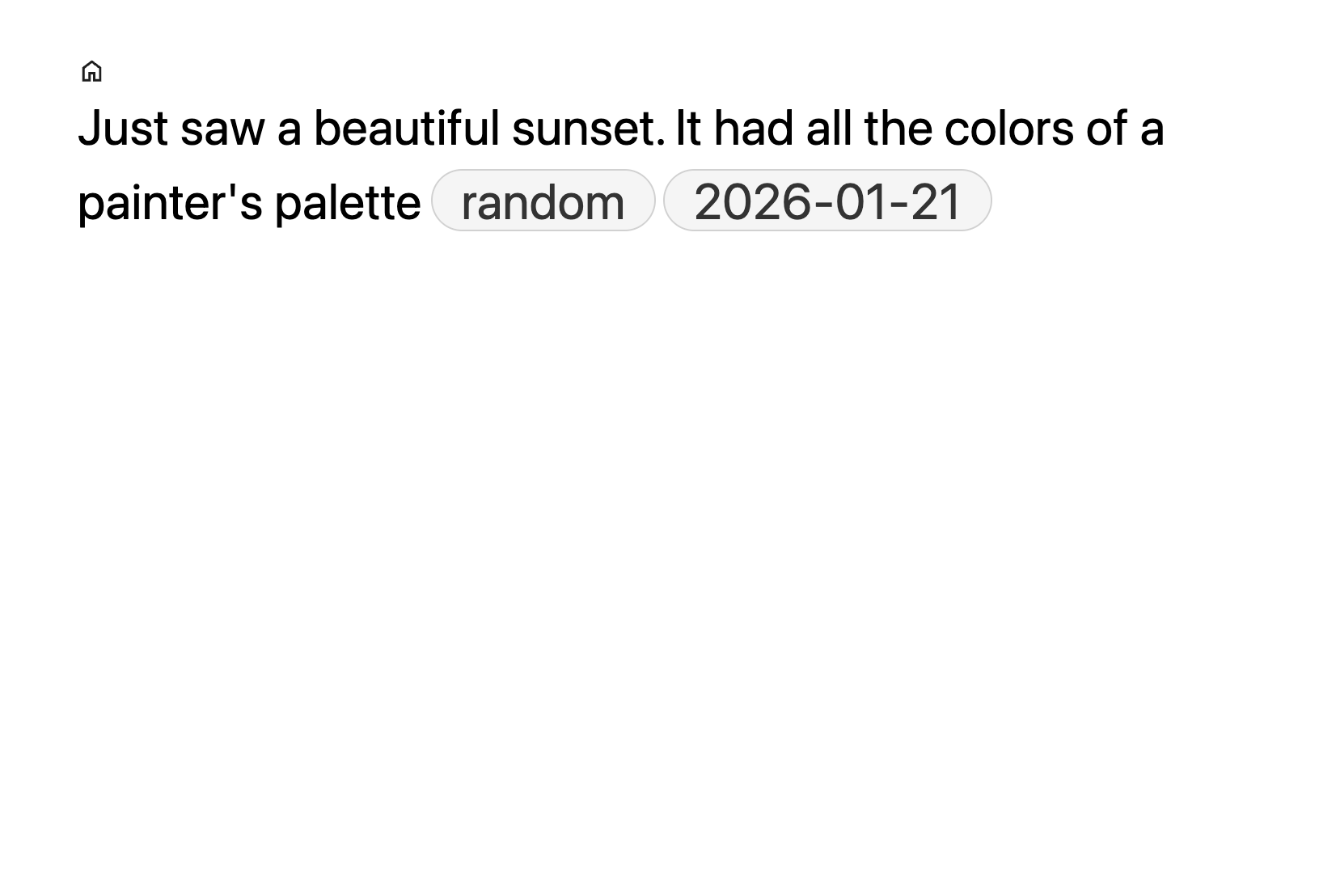
A tag refers to a node. You can view all nodes grouped under a tag by navigating to the node by clicking on the tag (or searching for the node text). When you add a tag B in node A, a link B->A is added. Tagged nodes show as excerpts. Excerpts are lightly shaded and display a breadcrumb above them showing their original location.
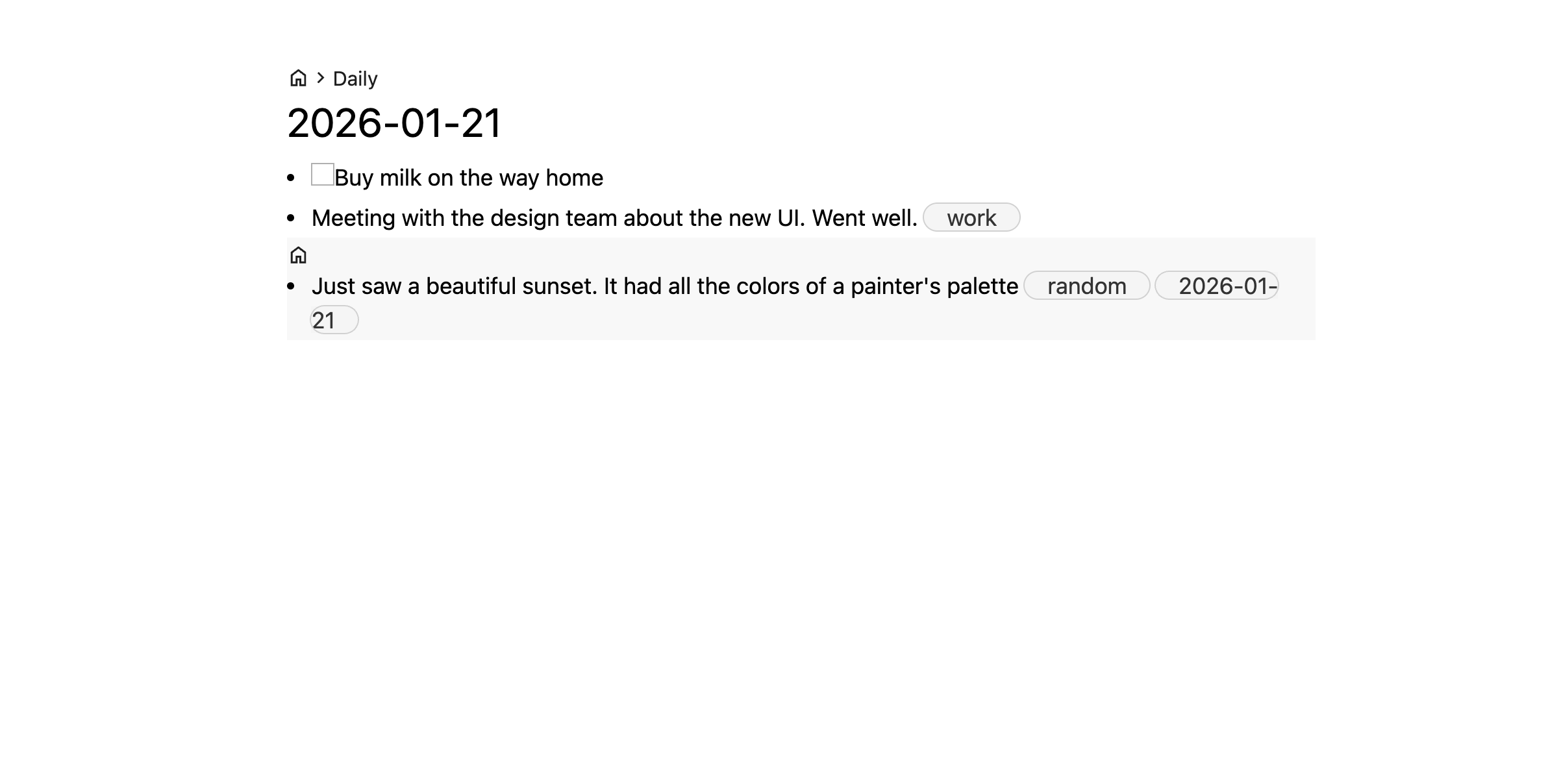
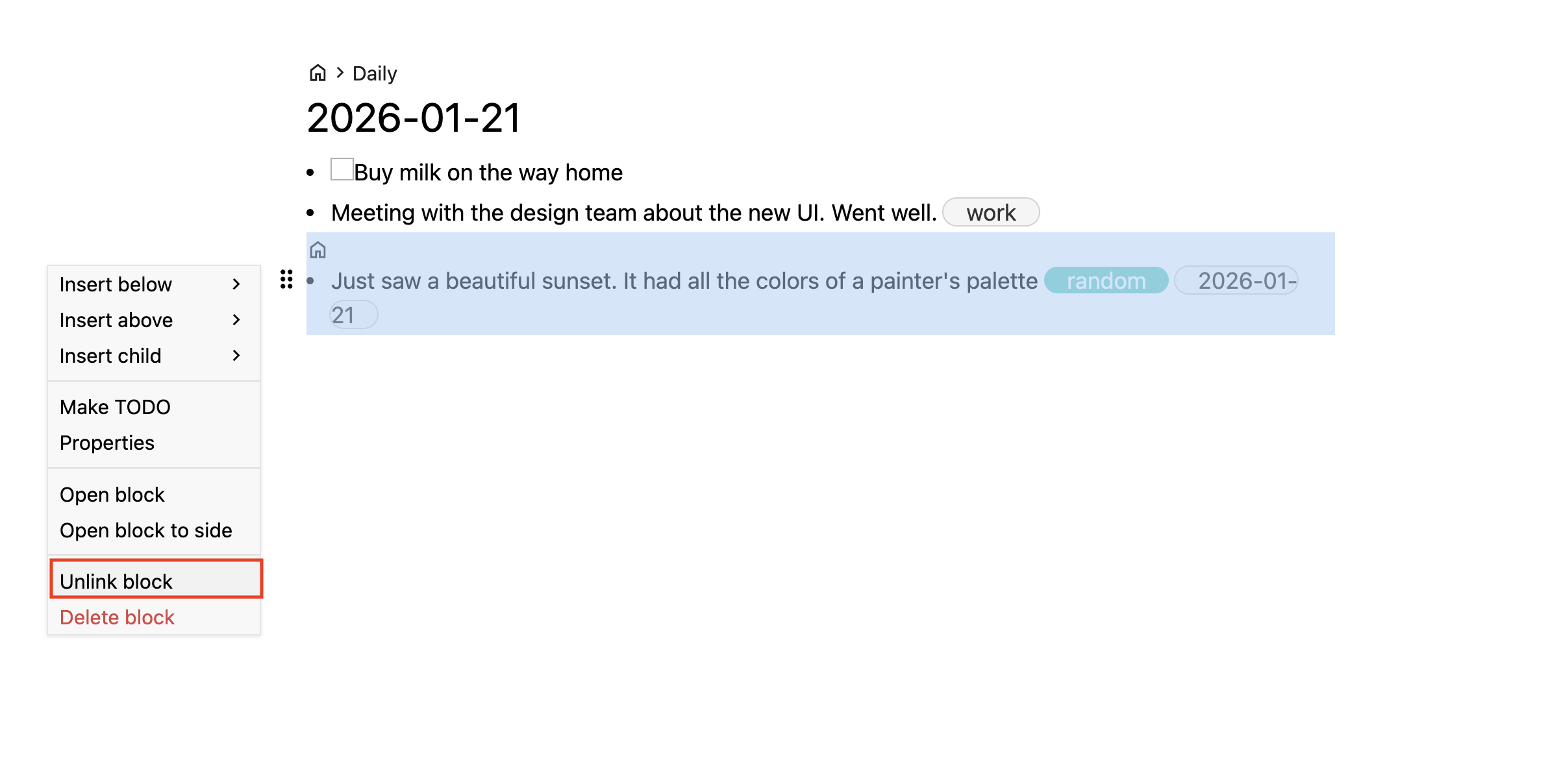
Deleting excerpt nodes delete the node everywhere. If you just want to remove the node from the current view (but not delete the node itself), use Unlink block.
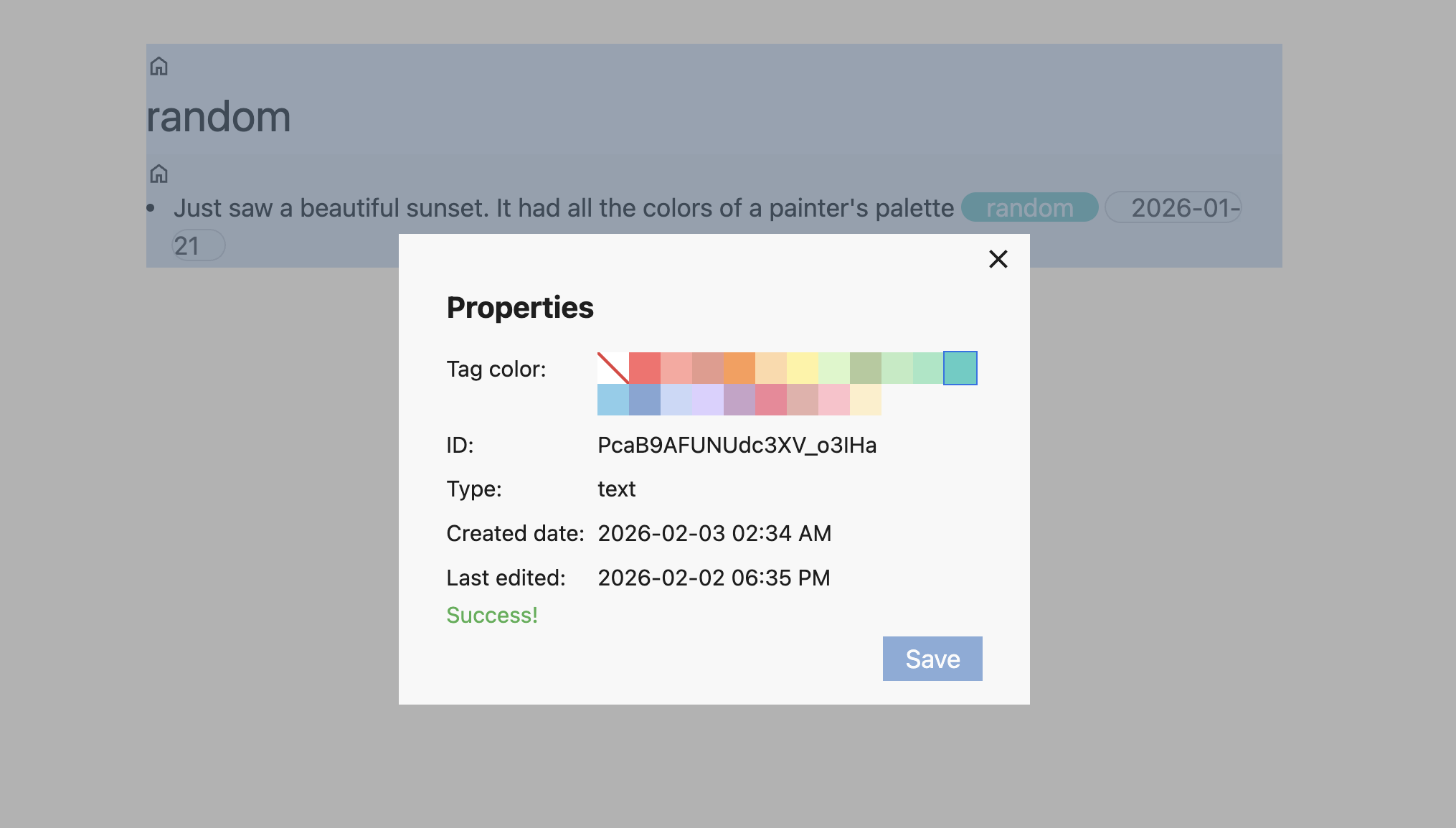
You can assign nodes a tag color. This will change the color of tags that refer to it. Open the context menu and click on Properties to change the tag color