Canvas
Updated February 24, 2026
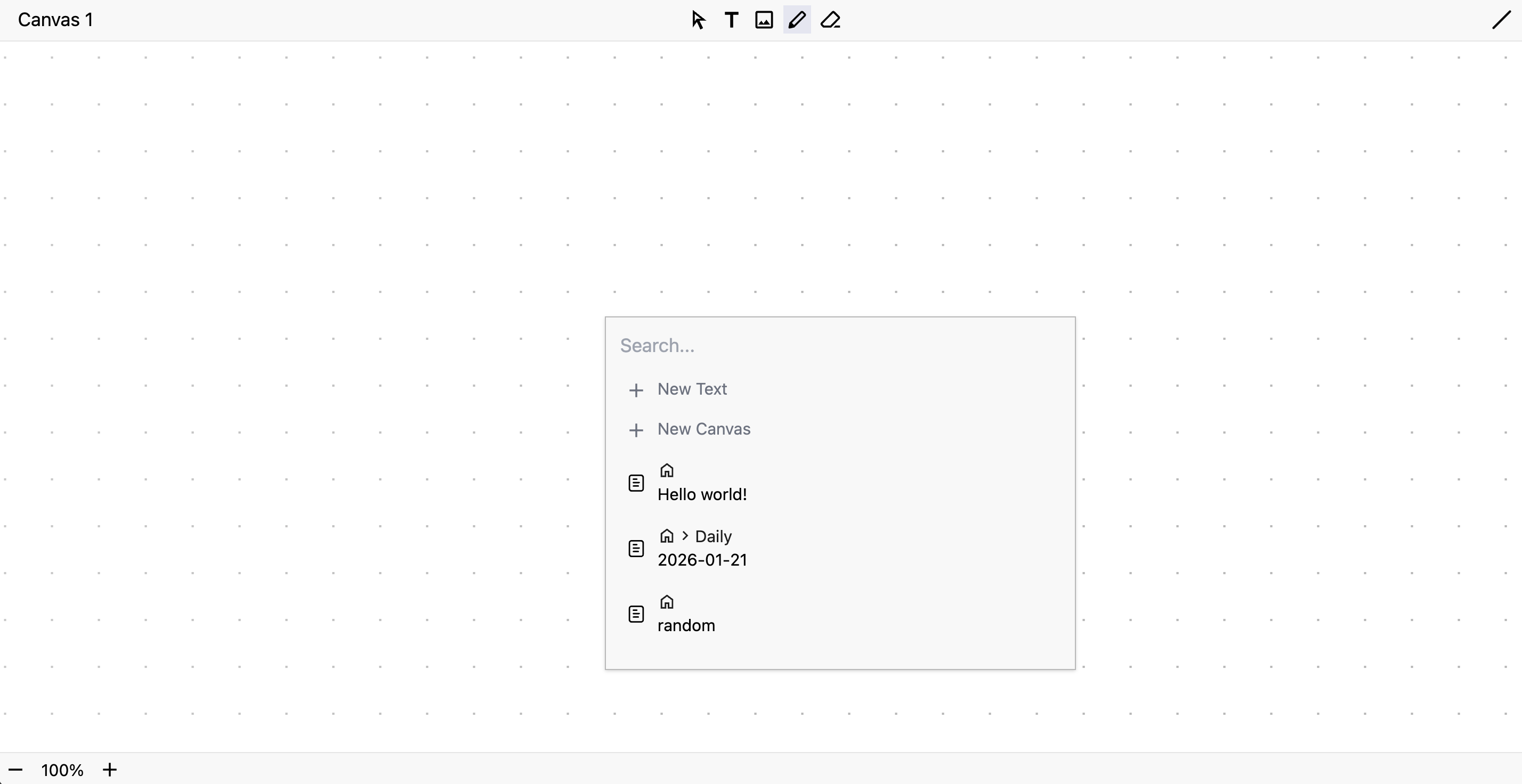
Canvas lets you draw directly inside HelloMond. You can add freehand strokes, textboxes, and images to canvas. You can create a new canvas by opening New menu and selecting Canvas.
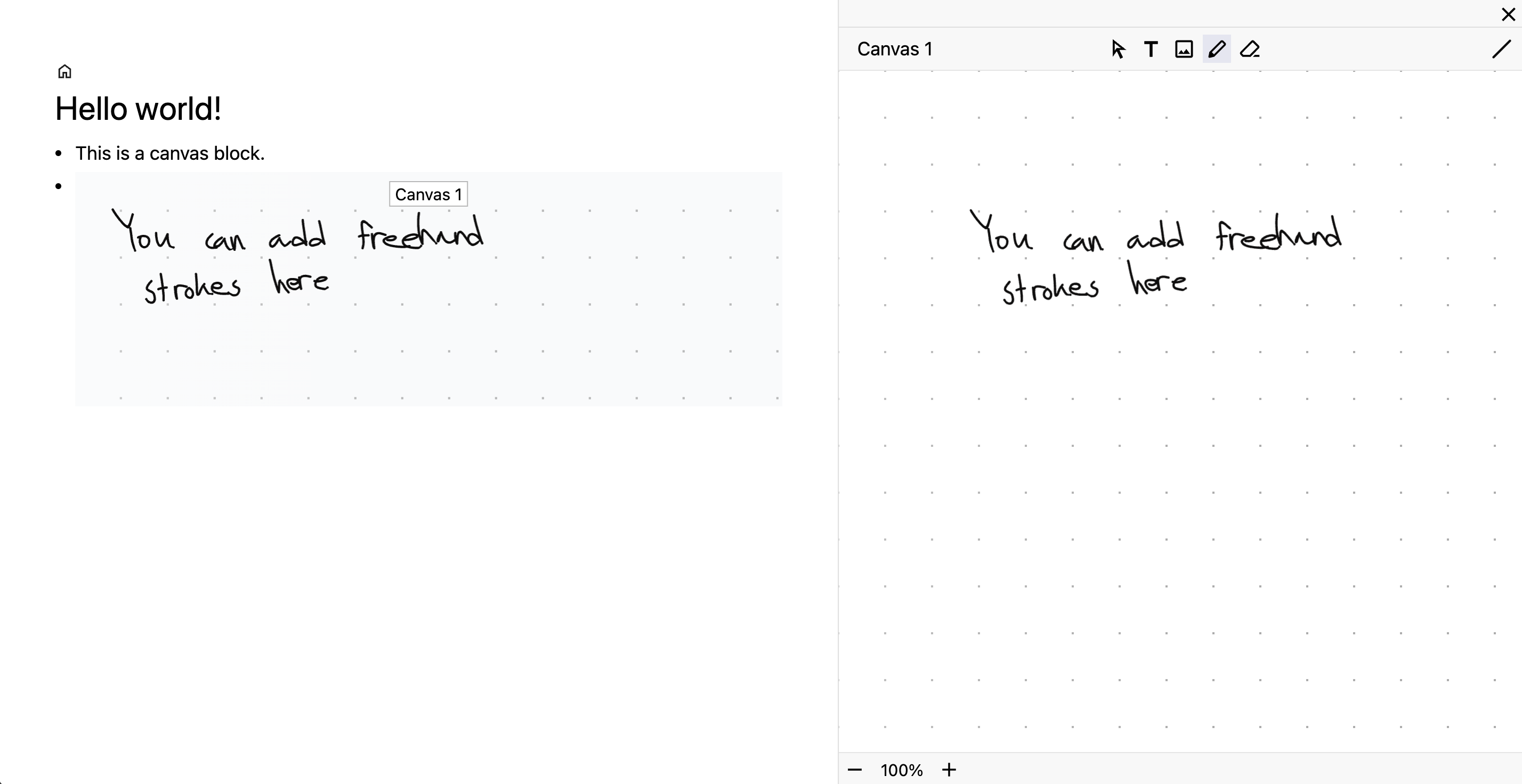
To embed canvas inside a text doc, open the context menu of an existing node and select Insert... > Canvas. To edit it, open the canvas fully or to the side.
You can also embed doc inside canvas. Right-click on an open canvas and select Add > Node. A menu will appear to allow you to create a new text doc or embed an existing doc.